

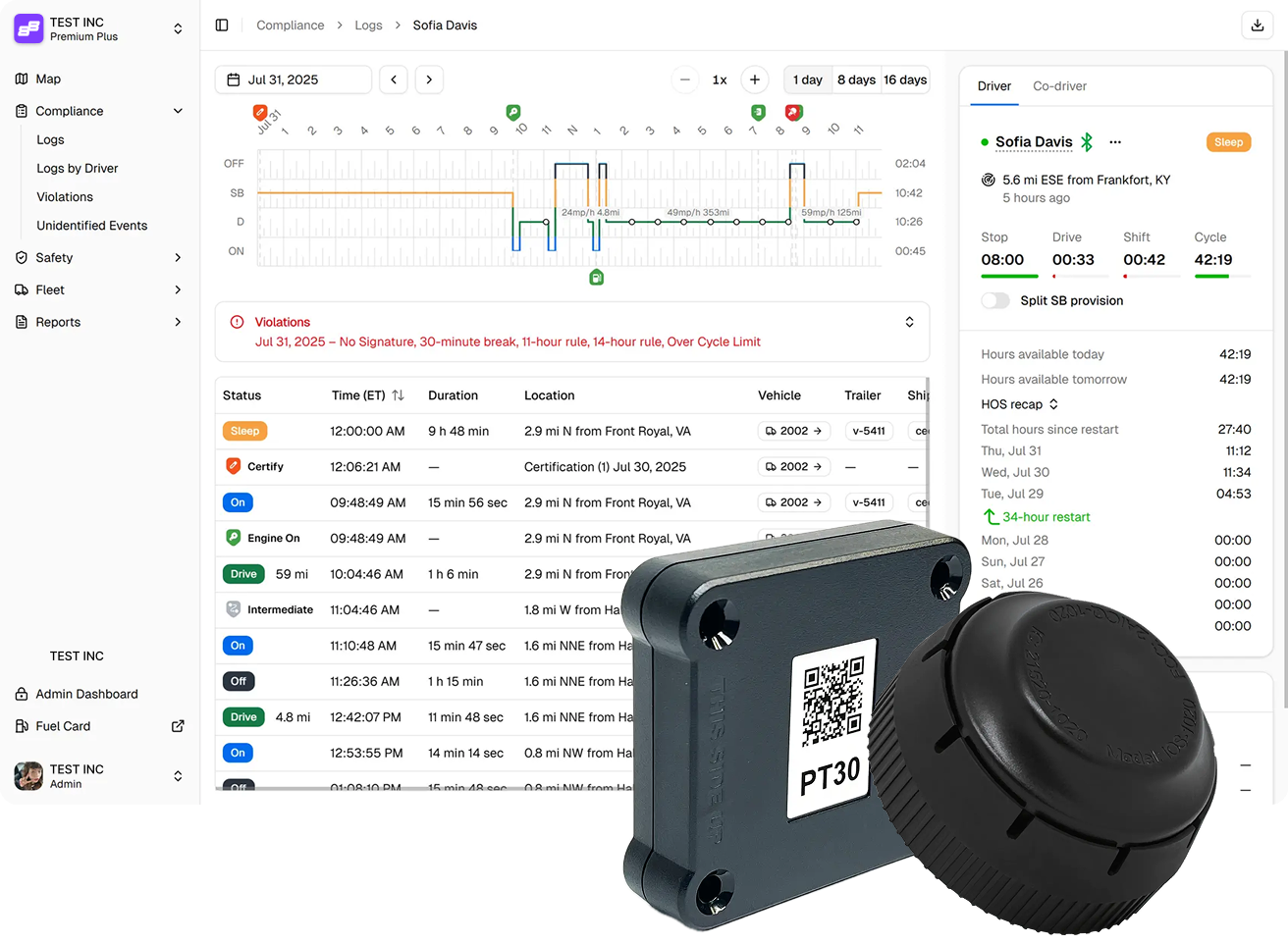
Fewer Violations. More Time. Safer Fleet.
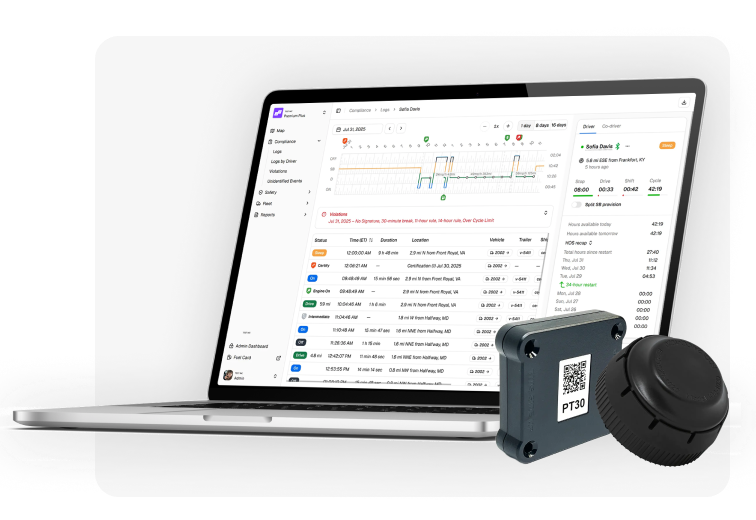
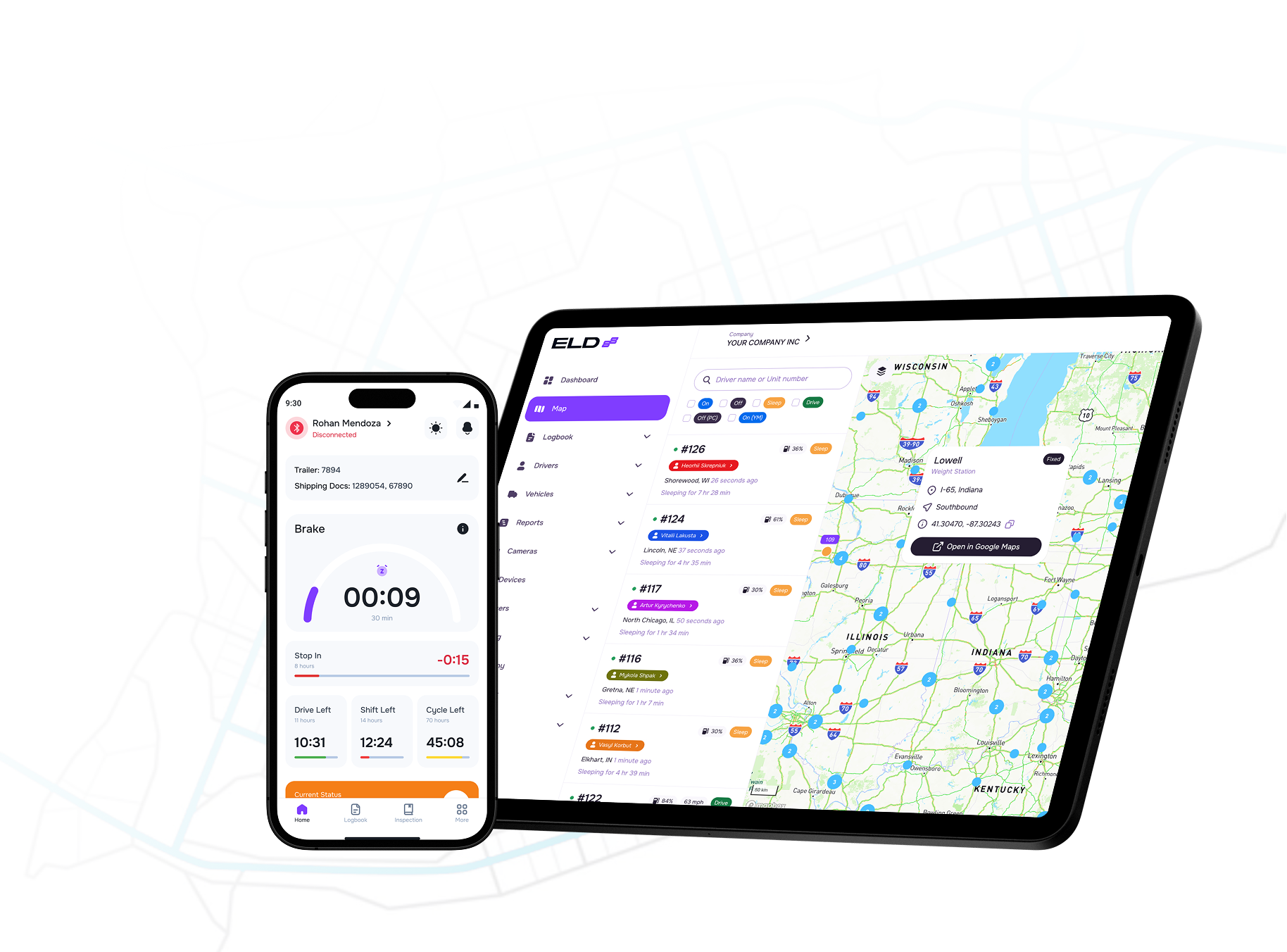
Manage HOS, inspections, fault codes, DVIR, and real-time tracking - all from one clean, modern dashboard.
Violations
-
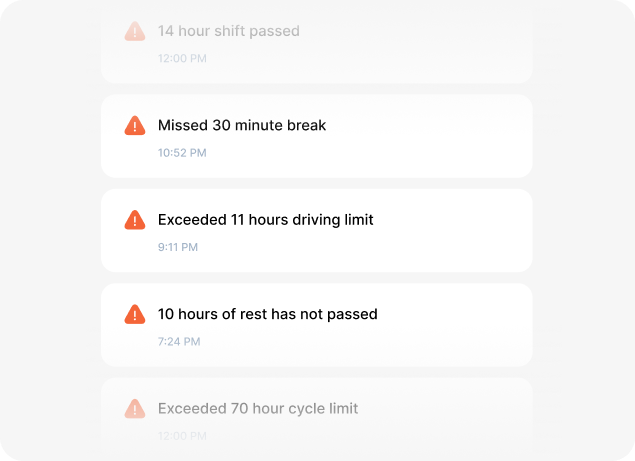
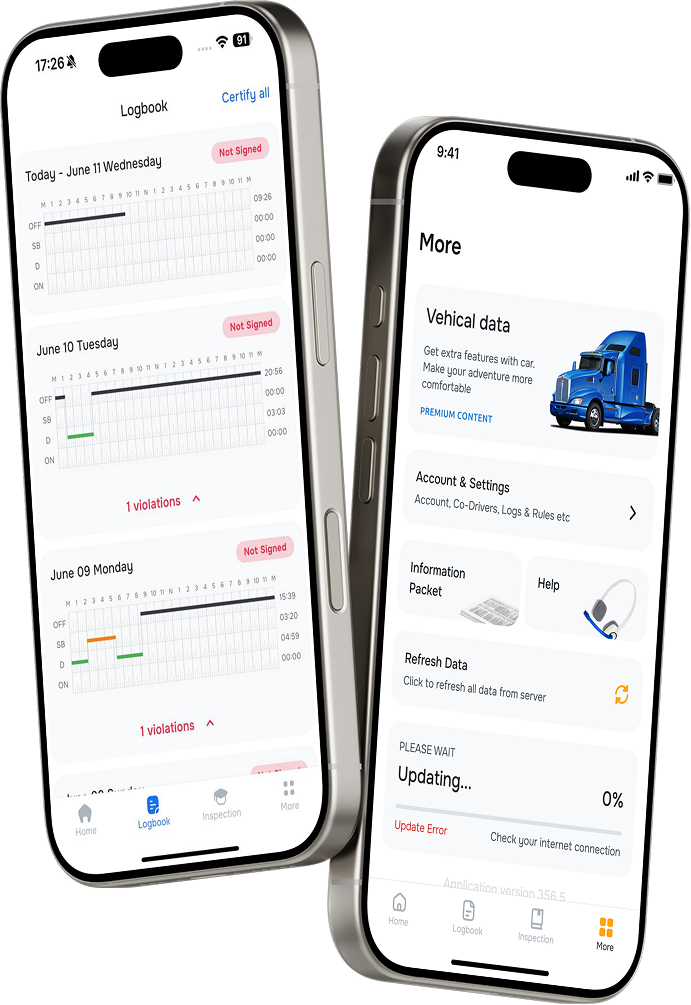
 Get real-time notifications when any HOS or safety rule is broken.
-
Review violations by type, severity, and timestamp for quick decision-making.
-
Prevent fines and reduce risks by staying on top of compliance at all times.
Digital DVIR Inspections for Trucks & Trailers
-
Quickly add vehicle and trailer defects with photos right from your phone to speed up inspections.
-
Automatically notify fleet managers about any issues to reduce downtime and repair delays.
-
Keep all inspection reports electronic and compliant, eliminating paperwork hassle.
View & Clear Codes
-
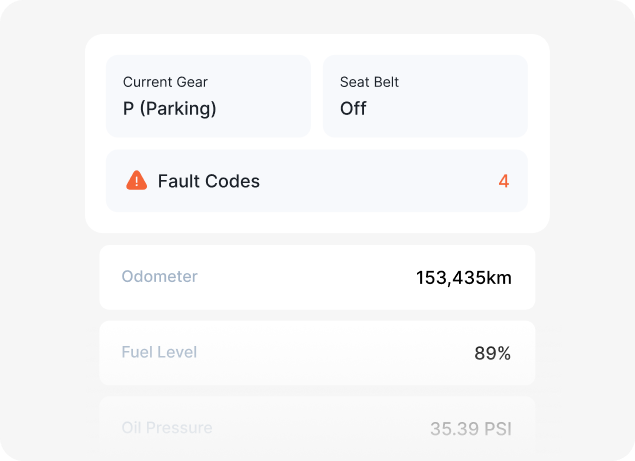
Monitor active fault codes from your dash.
-
Catch engine issues before they escalate.
-
Clear resolved codes in a tap - no shop visit needed.
HOS Timers
-
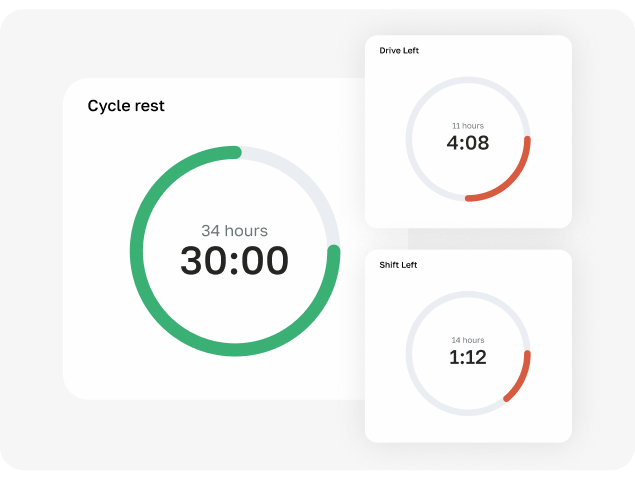
Monitor drive, shift, and cycle limits with easy-to-read visual timers.
-
Receive countdowns and warnings before reaching HOS limits to stay compliant.
-
Plan breaks and resets accurately to avoid fines and failed inspections.
Visibility and Control Over Every Hour


Compliance has never been easier!


We’d love to show you around
-
 Stay fully compliant
-
Reduce risks and improve safety
-
Improve visibility and automate operations.
Frequently asked questions
What is an Electronic Logging Device (ELD), and why is it important?
An Electronic Logging Device (ELD) is a device mandated by the FMCSA that automatically records a driver's Hours of Service (HOS) and ensures compliance with safety regulations. It is crucial for accurate record-keeping and minimizing errors in logs.

Are ELDs mandatory for all commercial vehicles?
Yes, the FMCSA requires most commercial motor vehicles (CMVs) involved in interstate commerce to use ELDs to record HOS. However, some exemptions apply, such as short-haul drivers and certain pre-2000 model vehicles.
How does an ELD work to track Hours of Service (HOS)?
An ELD connects to the vehicle's engine to record driving time, rest periods, and other duty statuses. It automatically switches statuses based on the vehicle's movement and provides real-time updates to ensure compliance with HOS regulations.
Can an ELD track other important vehicle data besides HOS?
Yes, many ELDs also track vehicle diagnostics, fuel efficiency, idle time, and driver behavior. This data can be used to optimize fleet operations, reduce maintenance costs, and improve overall safety.
How does the ELD data get transferred during a DOT inspection?
During a DOT inspection, ELD data can be transferred electronically through methods such as email, USB, or Bluetooth. Some ELDs also offer a print option or on-screen display to show logs directly to the inspector.
How much does it cost to implement and maintain an ELD system?
The cost of implementing an ELD system varies depending on the provider and features. Typically, it includes a one-time purchase of the ELD hardware and a monthly or annual subscription fee for software and support services. The investment often pays off by reducing compliance risks and improving operational efficiency.
How do I install and set up an ELD in my truck?
Installation is typically straightforward. The ELD plugs into the vehicle's diagnostic port and syncs with a mobile app or tablet. The setup involves connecting the device to your fleet management system and configuring it according to your business requirements.